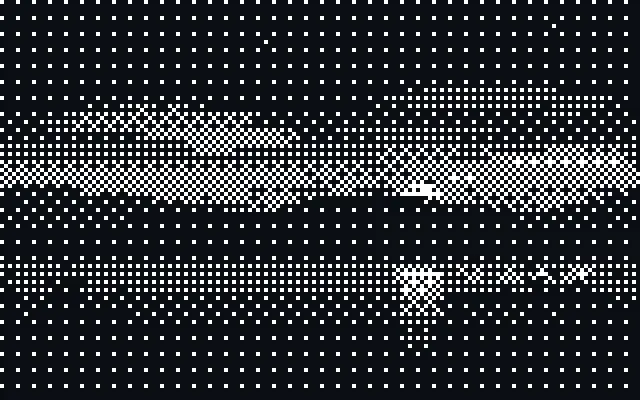
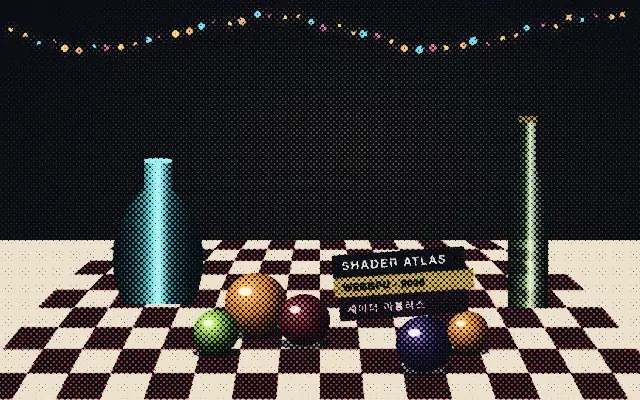
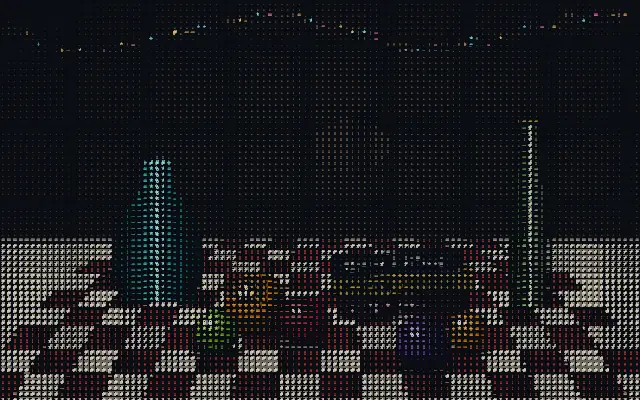
Uses a dot pattern to represent tones with fewer colors, creating a dithering effect.
Also known as: Ditherditheringordered dithering
Moves in browsers that support WebGPU
This device could not render the demo — showing a still
Code reflects the control values
React
// Renders only in browsers with WebGPU.
// /samples/… are this site’s sample files — point them at your own image or video.
import { Shader, Dither, ImageTexture } from 'shaders/react'

export default function ShaderEffect() {
  return (
    <Shader style={{ width: '100%', height: 320 }} disableTelemetry>
      <ImageTexture
        objectFit="cover"
        url="/samples/photo.jpg" />
      <Dither />
    </Shader>
  )
}
Vue
<!-- Renders only in browsers with WebGPU. -->
<!-- /samples/… are this site’s sample files — point them at your own image or video. -->
<script setup lang="ts">
import { Shader, Dither, ImageTexture } from 'shaders/vue'
</script>

<template>
  <Shader style="width: 100%; height: 320px" :disable-telemetry="true">
    <ImageTexture
      object-fit="cover"
      url="/samples/photo.jpg"/>
    <Dither/>
  </Shader>
</template>
Svelte
<!-- Renders only in browsers with WebGPU. -->
<!-- /samples/… are this site’s sample files — point them at your own image or video. -->
<script>
  import { Shader, Dither, ImageTexture } from 'shaders/svelte'
</script>

<Shader style="width: 100%; height: 320px" disableTelemetry>
  <ImageTexture
    objectFit="cover"
    url="/samples/photo.jpg" />
  <Dither />
</Shader>
Solid
// Renders only in browsers with WebGPU.
// /samples/… are this site’s sample files — point them at your own image or video.
import { Shader, Dither, ImageTexture } from 'shaders/solid'

export default function ShaderEffect() {
  return (
    <Shader style={{ width: '100%', height: '320px' }} disableTelemetry>
      <ImageTexture
        objectFit="cover"
        url="/samples/photo.jpg" />
      <Dither />
    </Shader>
  )
}
JavaScript
// Renders only in browsers with WebGPU.
// /samples/… are this site’s sample files — point them at your own image or video.
// expects <canvas id="canvas" style="width:100%;height:320px"></canvas> on the page
import { createShader } from 'shaders/js'

const shader = await createShader(document.getElementById("canvas"), {
  components: [
    {
      type: 'ImageTexture',
      props: {
        objectFit: 'cover',
        url: '/samples/photo.jpg',
      },
    },
    {
      type: 'Dither',
    }
  ]
}, { disableTelemetry: true })
Props · Dither
Changes apply to the demo above and to the code tabs. Descriptions come from the library registry (MIT).
It turns continuous tones into the density of small dots. Like newspaper print or an old low-color display, the dots merge into a tone when seen from a distance.
The default `pattern` is `bayer4`; it selects the dithering pattern. `pixelSize` defaults to 4 and ranges from 1 to 20, while `threshold` defaults to 0.5 and ranges from 0 to 1 to set dot size and the brightness boundary. `spread` defaults to 1 and ranges from 0 to 1 to set the tonal range; lowering it creates more solid areas. The default `colorMode` is `custom`.
Place it over an image or video layer. Pair it with `Halftone` for a stronger print look, or use `Pixelate` to make the grid larger. The dots can distract when a smooth gradient needs to remain visible as-is.
When to use
Use it for low-color pixel graphics, print-inspired posters, and icons with simplified tones. Avoid it when smooth color transitions are central to the image.