Hex Grid

육각 격자

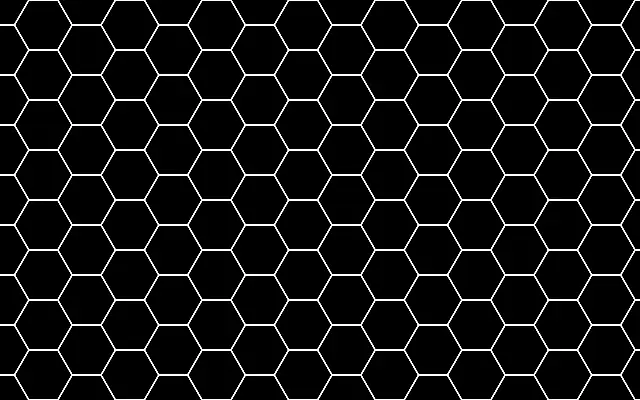
A honeycomb grid made of connected hexagonal cells.

Also known as: HexGrid허니콤 격자

Moves in browsers that support WebGPU

This device could not render the demo — showing a still

React
// Renders only in browsers with WebGPU.
import { Shader, HexGrid } from 'shaders/react'

export default function ShaderEffect() {
  return (
    <Shader style={{ width: '100%', height: 320 }} disableTelemetry>
      <HexGrid />
    </Shader>
  )
}
Vue
<!-- Renders only in browsers with WebGPU. -->
<script setup lang="ts">
import { Shader, HexGrid } from 'shaders/vue'
</script>

<template>
  <Shader style="width: 100%; height: 320px" :disable-telemetry="true">
    <HexGrid/>
  </Shader>
</template>
Svelte
<!-- Renders only in browsers with WebGPU. -->
<script>
  import { Shader, HexGrid } from 'shaders/svelte'
</script>

<Shader style="width: 100%; height: 320px" disableTelemetry>
  <HexGrid />
</Shader>
Solid
// Renders only in browsers with WebGPU.
import { Shader, HexGrid } from 'shaders/solid'

export default function ShaderEffect() {
  return (
    <Shader style={{ width: '100%', height: '320px' }} disableTelemetry>
      <HexGrid />
    </Shader>
  )
}
JavaScript
// Renders only in browsers with WebGPU.
// expects <canvas id="canvas" style="width:100%;height:320px"></canvas> on the page
import { createShader } from 'shaders/js'

const shader = await createShader(document.getElementById("canvas"), {
  components: [
    {
      type: 'HexGrid',
    }
  ]
}, { disableTelemetry: true })

Props · HexGrid

Changes apply to the demo above and to the code tabs. Descriptions come from the library registry (MIT).

NameValueDefaultRange / optionsDescription
colorAColor A#000000—Cell fill color
colorBColor B#ffffff—Grid line color
cellsCells81 – 40 (step 1)Number of hexagons along the canvas height (the width fits as many as the aspect ratio allows)
thicknessThickness10 – 10 (step 0.1)Thickness of the hex grid lines
rotationRotation00 – 360 (step 1)Rotation of the grid in degrees
softnessSoftness00 – 1 (step 0.01)Softness of the line edges (0 = crisp, 1 = very soft)
variationVariation00 – 1 (step 0.01)Per-cell random lightening/darkening of the cell fill color
colorSpaceColor Spacelinearlinear · oklch · oklab · hsl · hsv · lchColor space for color interpolation

Every component also takes blendMode · opacity · visible · maskSource/maskType · boundingBox · id

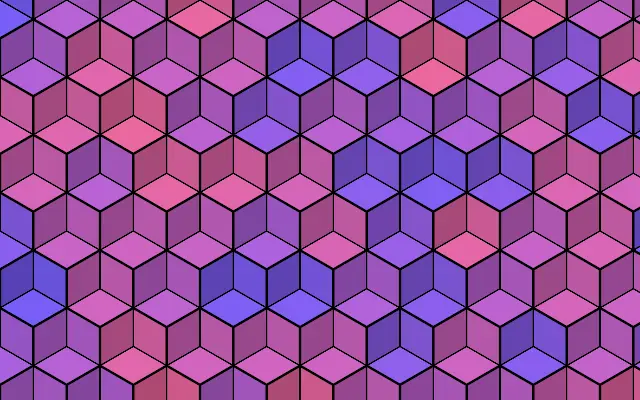
Like a honeycomb or a strategy-game board, hexagonal cells cover the canvas. Their edges create a different rhythm from a square grid while keeping each cell distinct.

Increase `cells` for smaller, denser hexagons. `colorA` colors the cells and `colorB` the lines; increasing `thickness` makes the boundaries heavier. Turn the grid with `rotation`.

The pattern fills the canvas and needs no input layer. For maps or data backgrounds, choose the cell size first so dense boundaries do not crowd the information.

When to use

Use it for strategy-game maps, network or technology-themed backgrounds, and honeycomb-inspired card decoration. Avoid tiny cells where they would visually fragment text or data.

Open as page ↗