Triangular Grid

삼각 격자

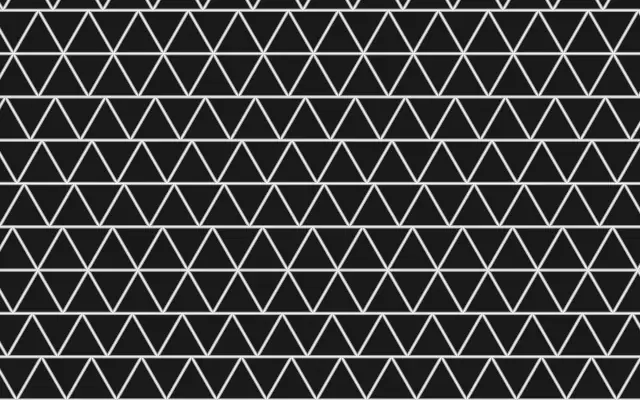
A tiling of equilateral triangles whose rows can drift sideways.

Also known as: TriangularGrid삼각 타일 격자

Moves in browsers that support WebGPU

This device could not render the demo — showing a still

React
// Renders only in browsers with WebGPU.
import { Shader, TriangularGrid } from 'shaders/react'

export default function ShaderEffect() {
  return (
    <Shader style={{ width: '100%', height: 320 }} disableTelemetry>
      <TriangularGrid
        speed={0.5} />
    </Shader>
  )
}
Vue
<!-- Renders only in browsers with WebGPU. -->
<script setup lang="ts">
import { Shader, TriangularGrid } from 'shaders/vue'
</script>

<template>
  <Shader style="width: 100%; height: 320px" :disable-telemetry="true">
    <TriangularGrid
      :speed="0.5"/>
  </Shader>
</template>
Svelte
<!-- Renders only in browsers with WebGPU. -->
<script>
  import { Shader, TriangularGrid } from 'shaders/svelte'
</script>

<Shader style="width: 100%; height: 320px" disableTelemetry>
  <TriangularGrid
    speed={0.5} />
</Shader>
Solid
// Renders only in browsers with WebGPU.
import { Shader, TriangularGrid } from 'shaders/solid'

export default function ShaderEffect() {
  return (
    <Shader style={{ width: '100%', height: '320px' }} disableTelemetry>
      <TriangularGrid
        speed={0.5} />
    </Shader>
  )
}
JavaScript
// Renders only in browsers with WebGPU.
// expects <canvas id="canvas" style="width:100%;height:320px"></canvas> on the page
import { createShader } from 'shaders/js'

const shader = await createShader(document.getElementById("canvas"), {
  components: [
    {
      type: 'TriangularGrid',
      props: {
        speed: 0.5,
      },
    }
  ]
}, { disableTelemetry: true })

Props · TriangularGrid

Changes apply to the demo above and to the code tabs. Descriptions come from the library registry (MIT).

NameValueDefaultRange / optionsDescription
colorAFill#1a1a1a—Triangle fill color
colorBLines#ffffff—Grid line color
cellsCells81 – 40 (step 1)Number of triangle rows down the shortest canvas edge
thicknessThickness10 – 10 (step 0.1)Thickness of the grid lines (0 = no lines)
rotationRotation00 – 360 (step 1)Rotation of the grid in degrees
softnessSoftness00 – 1 (step 0.01)Softness of the line edges (0 = crisp, 1 = very soft)
variationVariation00 – 1 (step 0.01)Per-triangle random lightening/darkening of the fill color
speedSpeed0-3 – 3 (step 0.01)Animates the triangle rows drifting horizontally (0 = static)
speedVarianceSpeed Variance0.30 – 1 (step 0.01)Per-row random speed variance for irregular drifting motion
colorSpaceColor Spacelinearlinear · oklch · oklab · hsl · hsv · lchColor space for color interpolation

Every component also takes blendMode · opacity · visible · maskSource/maskType · boundingBox · id

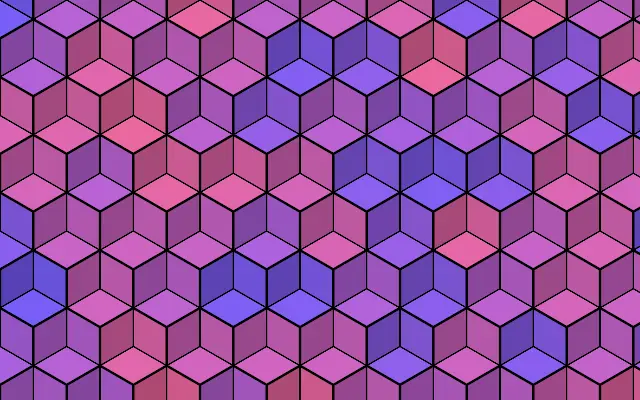
Like a tiled floor of triangles or a paper-folding diagram, equilateral triangles fit together across the canvas. Their angles give the pattern a different texture from square or hexagonal grids.

`cells` sets the number of triangle rows along the shorter canvas edge. Adjust line weight with `thickness` and direction with `rotation`. `variation` changes the fill brightness from triangle to triangle; increasing `speed` makes the rows drift horizontally.

`speed` defaults to 0, so the pattern stays still. It fills the canvas without an input layer; avoid very dense settings behind text or small icons, where the many edges can compete for attention.

When to use

Use it for geometric backgrounds, graphics that suggest folding or architecture, or a subtle sense of movement in a static scene. Avoid it where dense triangle edges would overlap body copy.

Open as page ↗