
잉크 플로

Ink Flow

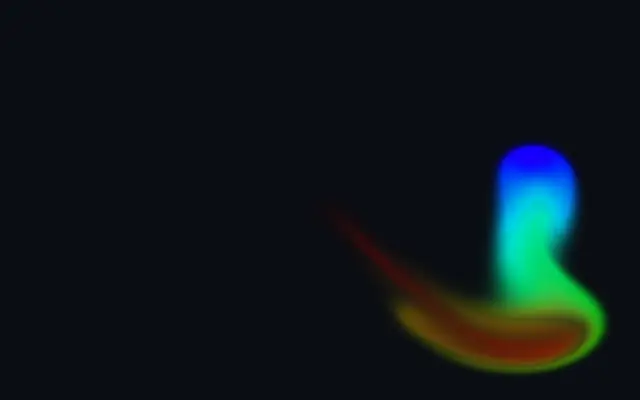
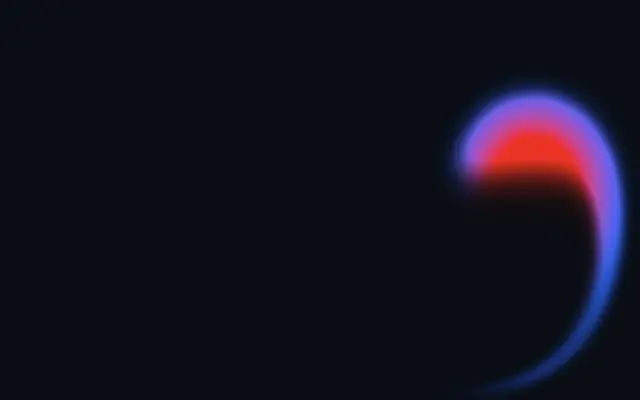
드래그한 자리에 색 잉크가 번지고, 손을 뗀 뒤에도 소용돌이치며 흐릅니다.

다른 이름: InkFlowfluid inkink simulation

WebGPU 를 지원하는 브라우저에서 움직입니다

이 기기에서는 데모를 그리지 못해 정지 화면을 보여 줍니다

React
// WebGPU 를 지원하는 브라우저에서만 그립니다.
import { Shader, InkFlow } from 'shaders/react'

export default function ShaderEffect() {
  return (
    <Shader style={{ width: '100%', height: 320 }} disableTelemetry>
      <InkFlow />
    </Shader>
  )
}
Vue
<!-- WebGPU 를 지원하는 브라우저에서만 그립니다. -->
<script setup lang="ts">
import { Shader, InkFlow } from 'shaders/vue'
</script>

<template>
  <Shader style="width: 100%; height: 320px" :disable-telemetry="true">
    <InkFlow/>
  </Shader>
</template>
Svelte
<!-- WebGPU 를 지원하는 브라우저에서만 그립니다. -->
<script>
  import { Shader, InkFlow } from 'shaders/svelte'
</script>

<Shader style="width: 100%; height: 320px" disableTelemetry>
  <InkFlow />
</Shader>
Solid
// WebGPU 를 지원하는 브라우저에서만 그립니다.
import { Shader, InkFlow } from 'shaders/solid'

export default function ShaderEffect() {
  return (
    <Shader style={{ width: '100%', height: '320px' }} disableTelemetry>
      <InkFlow />
    </Shader>
  )
}
JavaScript
// WebGPU 를 지원하는 브라우저에서만 그립니다.
// <canvas id="canvas" style="width:100%;height:320px"></canvas> 가 페이지에 있어야 한다
import { createShader } from 'shaders/js'

const shader = await createShader(document.getElementById("canvas"), {
  components: [
    {
      type: 'InkFlow',
    }
  ]
}, { disableTelemetry: true })

속성(props) · InkFlow

값을 바꾸면 위 데모와 코드 탭에 바로 반영됩니다. 설명은 라이브러리 레지스트리의 영어 원문(MIT)입니다.

이름값기본값범위·선택지설명(원문)
colorModeColor Moderainbowrainbow · single · customHow the brush color is chosen: an ever-cycling rainbow, a single fixed color, or a custom three-color cycle
colorSpeedColor Speed10 – 4 (step 0.05)How quickly the brush cycles through the rainbow or the custom colors as you paint
colorBrush Color#ff2d7e—Brush color used when Color Mode is Single
color1Color 1#4338ff—First color of the custom brush cycle
color2Color 2#ff2d7e—Second color of the custom brush cycle
color3Color 3#19e3ff—Third color of the custom brush cycle
colorSpaceColor Spaceoklablinear · oklch · oklab · hsl · hsv · lchcolor space the custom colors blend through as the brush cycles between them
radiusRadius0.30.1 – 5 (step 0.05)Size of the ink splat painted under the cursor
forceForce10 – 3 (step 0.05)How hard the cursor's motion pushes the fluid — higher throws faster, more violent jets and curls
curlSwirl00 – 60 (step 1)Vorticity confinement — swirl energy that spins the ink into persistent eddies and curls
decayDecay0.50.05 – 4 (step 0.05)How fast the ink fades away — low values leave long, lingering trails
momentumMomentum0.60 – 1 (step 0.01)How long the fluid keeps flowing after a stroke — high momentum lets the motion carry on and on

모든 컴포넌트 공통: blendMode · opacity · visible · maskSource/maskType · boundingBox · id

드래그한 자리에 잉크 띠가 생기고 주변으로 말려 들어가며 흐른다. 물에 떨어뜨린 잉크가 가느다란 꼬리를 만들며 퍼지는 장면처럼, 포인터 움직임이 화면의 색을 직접 그린다.

`colorMode`는 무지개·단색·세 색 순환 중 색을 고른다. `radius`는 잉크 방울 크기(기본값 0.3, 범위 0.1–5), `force`는 드래그가 흐름을 미는 힘(기본값 1, 범위 0–3), `curl`은 소용돌이 정도(기본값 0, 범위 0–60), `decay`는 잉크가 사라지는 속도(기본값 0.5, 범위 0.05–4)다.

화면을 직접 채우는 생성 레이어라 입력 이미지가 필요 없다. 어두운 단색 배경과 조합하면 색의 흐름이 선명하고, 계속 움직이는 잉크가 시선을 끌 수 있으므로 긴 본문 뒤에는 두지 않는다.

언제 쓰나

사용자가 직접 그리는 히어로 배경, 짧은 인터랙티브 아트, 색으로 반응하는 빈 상태 화면에 좋다. 움직이는 배경이 집중을 흐리는 읽기 화면에서는 피한다.

페이지로 열기 ↗