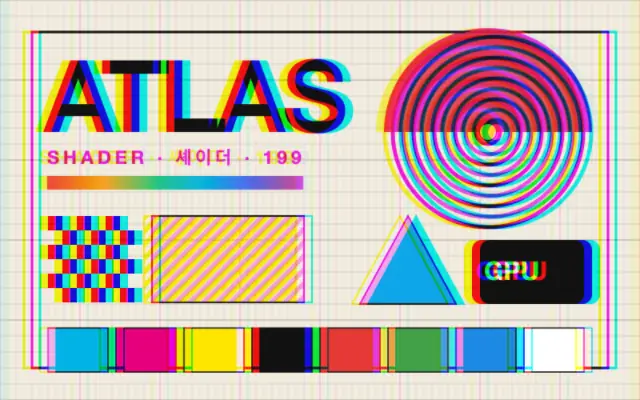
시간 잔상

Time Trail

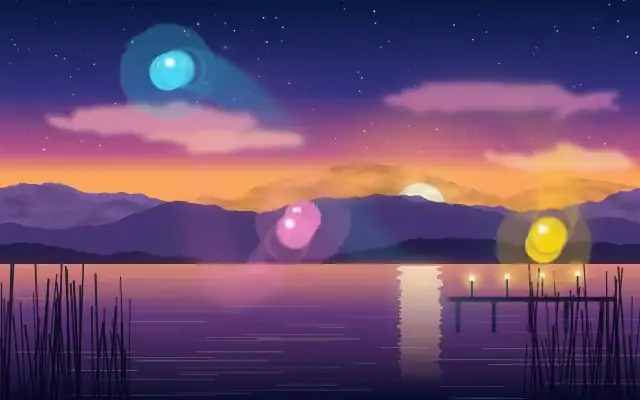
움직이는 부분 뒤로 부드럽게 사라지는 장노출 잔상을 남깁니다.

다른 이름: TimeTrailEcho trailLong-exposure trail

WebGPU 를 지원하는 브라우저에서 움직입니다

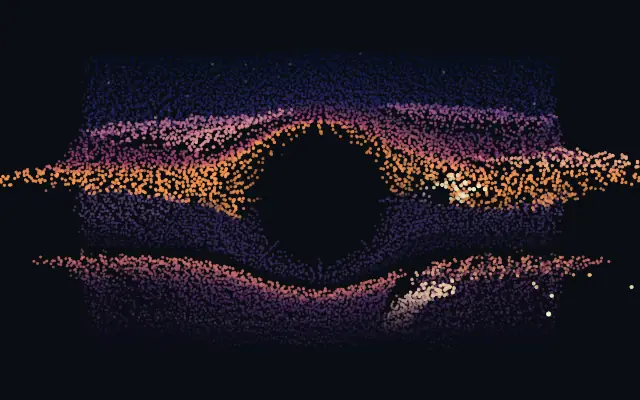
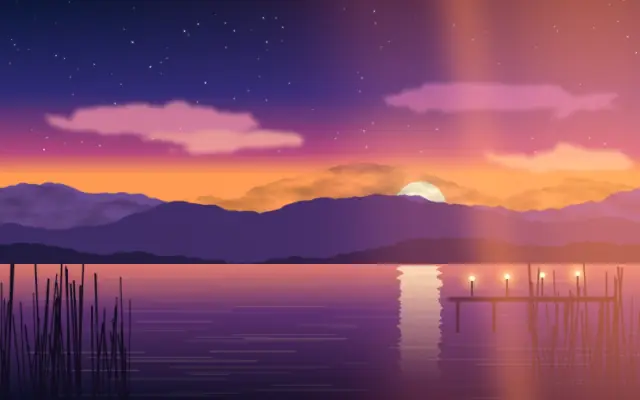
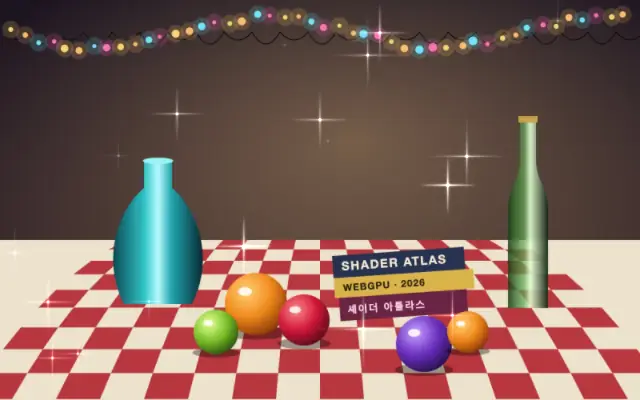
이 기기에서는 데모를 그리지 못해 정지 화면을 보여 줍니다

React
// WebGPU 를 지원하는 브라우저에서만 그립니다.
// /samples/… 는 이 사이트의 샘플 파일입니다. 내 프로젝트의 이미지·영상 경로로 바꾸세요.
import { Shader, TimeTrail, VideoTexture } from 'shaders/react'

export default function ShaderEffect() {
  return (
    <Shader style={{ width: '100%', height: 320 }} disableTelemetry>
      <VideoTexture
        objectFit="cover"
        url="/samples/clip.mp4" />
      <TimeTrail />
    </Shader>
  )
}
Vue
<!-- WebGPU 를 지원하는 브라우저에서만 그립니다. -->
<!-- /samples/… 는 이 사이트의 샘플 파일입니다. 내 프로젝트의 이미지·영상 경로로 바꾸세요. -->
<script setup lang="ts">
import { Shader, TimeTrail, VideoTexture } from 'shaders/vue'
</script>

<template>
  <Shader style="width: 100%; height: 320px" :disable-telemetry="true">
    <VideoTexture
      object-fit="cover"
      url="/samples/clip.mp4"/>
    <TimeTrail/>
  </Shader>
</template>
Svelte
<!-- WebGPU 를 지원하는 브라우저에서만 그립니다. -->
<!-- /samples/… 는 이 사이트의 샘플 파일입니다. 내 프로젝트의 이미지·영상 경로로 바꾸세요. -->
<script>
  import { Shader, TimeTrail, VideoTexture } from 'shaders/svelte'
</script>

<Shader style="width: 100%; height: 320px" disableTelemetry>
  <VideoTexture
    objectFit="cover"
    url="/samples/clip.mp4" />
  <TimeTrail />
</Shader>
Solid
// WebGPU 를 지원하는 브라우저에서만 그립니다.
// /samples/… 는 이 사이트의 샘플 파일입니다. 내 프로젝트의 이미지·영상 경로로 바꾸세요.
import { Shader, TimeTrail, VideoTexture } from 'shaders/solid'

export default function ShaderEffect() {
  return (
    <Shader style={{ width: '100%', height: '320px' }} disableTelemetry>
      <VideoTexture
        objectFit="cover"
        url="/samples/clip.mp4" />
      <TimeTrail />
    </Shader>
  )
}
JavaScript
// WebGPU 를 지원하는 브라우저에서만 그립니다.
// /samples/… 는 이 사이트의 샘플 파일입니다. 내 프로젝트의 이미지·영상 경로로 바꾸세요.
// <canvas id="canvas" style="width:100%;height:320px"></canvas> 가 페이지에 있어야 한다
import { createShader } from 'shaders/js'

const shader = await createShader(document.getElementById("canvas"), {
  components: [
    {
      type: 'VideoTexture',
      props: {
        objectFit: 'cover',
        url: '/samples/clip.mp4',
      },
    },
    {
      type: 'TimeTrail',
    }
  ]
}, { disableTelemetry: true })

속성(props) · TimeTrail

값을 바꾸면 위 데모와 코드 탭에 바로 반영됩니다. 설명은 라이브러리 레지스트리의 영어 원문(MIT)입니다.

이름값기본값범위·선택지설명(원문)
trailSourceSourcemotionmotion · alphaWhat sheds the trail — Motion trails whatever changes frame-to-frame (works on opaque images and video), Alpha trails the child's transparency coverage (best for a clean shape over empty canvas)
motionThresholdMotion Threshold0.060.01 – 0.5 (step 0.01)How much a pixel must change between frames to shed a trail (Motion source only) — lower catches subtle movement, higher only fast motion
trailLengthTrail Length0.60.05 – 4 (step 0.01)How long the trail lingers, in seconds — the time constant of the fade (the star control)
diffusionDiffusion10 – 1 (step 0.01)How much the trail smears and softens as it fades — 0 keeps crisp ghost frames, higher melts them together
trailOpacityTrail Opacity10 – 1 (step 0.01)Overall strength of the trail behind the live frame
trailBlendBlendnormalnormal · add · screen · multiply · overlay · softLight · hardLight · darken · lighten · colorDodge · colorBurn · linearBurn · difference · exclusion · hue · saturation · color · luminosityHow the trail combines with the frame — Add / Screen build glowing light-painting trails, Multiply lays down dark ink ghosts, plus the full standard blend set
driftXDrift X0-1 – 1 (step 0.01)Sideways drift of the trail per second — smears the trail in a direction
driftYDrift Y0-1 – 1 (step 0.01)Vertical drift of the trail per second
zoomZoom10.9 – 1.1 (step 0.001)Per-frame zoom of the trail around the centre — above 1 pulls the trail into an outward tunnel, below 1 sucks it inward
tintModeTint Modenonenone · color · rainbowcolor the trail — Color tints it a single hue, Rainbow cycles hue as the trail ages
tintTint#33aaff—Trail tint color (used in Color mode)
speedSpeed10 – 4 (step 0.1)Simulation speed. 0 freezes the trail in place.

모든 컴포넌트 공통: blendMode · opacity · visible · maskSource/maskType · boundingBox · id

움직이는 빛을 느린 셔터로 촬영한 사진처럼, 지나간 위치가 투명한 꼬리로 잠시 남습니다. 동작이 프레임마다 겹쳐 보이는 에코 효과입니다.

`trailSource`는 기본 "motion"으로 프레임 사이에서 바뀐 부분을 따라가며, "alpha"를 선택하면 도형의 투명도 영역을 잔상으로 남깁니다. `motionThreshold`는 기본 0.06, 범위 0.01–0.5로 움직임을 감지할 변화량을 정해 낮추면 미세한 변화도 잡습니다. `trailLength`는 기본 0.6초, 범위 0.05–4초로 잔상이 머무는 시간을, `diffusion`은 기본 1, 범위 0–1로 시간이 지나며 번지는 정도를, `trailOpacity`는 기본 1, 범위 0–1로 잔상의 강도를 조절합니다.

움직이는 영상·애니메이션 위에 적용하면 모션 모드의 궤적이 보이고, 정지 도형은 알파 모드에서 윤곽 잔상을 만들 수 있습니다. 밝은 빛 궤적에는 Add나 Screen 블렌드가 어울리지만, 긴 `trailLength`는 화면을 겹쳐 복잡하게 만들 수 있으니 짧게 시작하세요.

언제 쓰나

춤·스포츠·커서 이동의 궤적, 네온 라이트 페인팅, 반복 동작을 강조하는 짧은 영상에 씁니다. 정적인 사진에서 움직임 잔상을 기대하거나, 글자와 세부가 계속 겹쳐야 하는 화면에서는 피하세요.

페이지로 열기 ↗