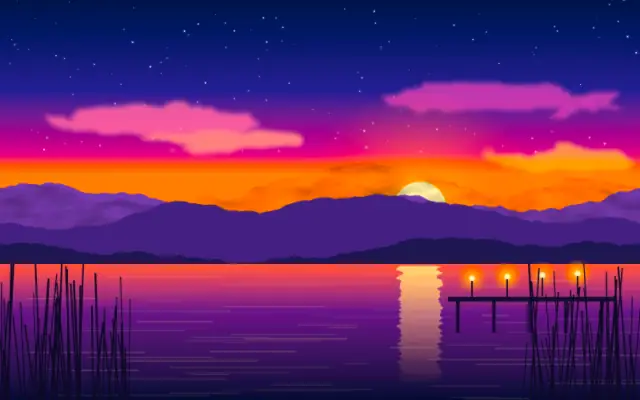
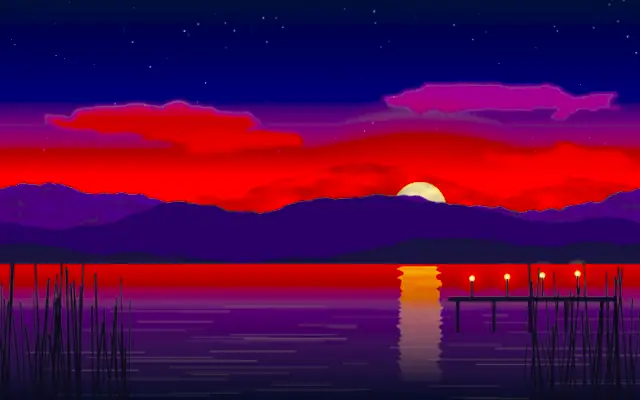
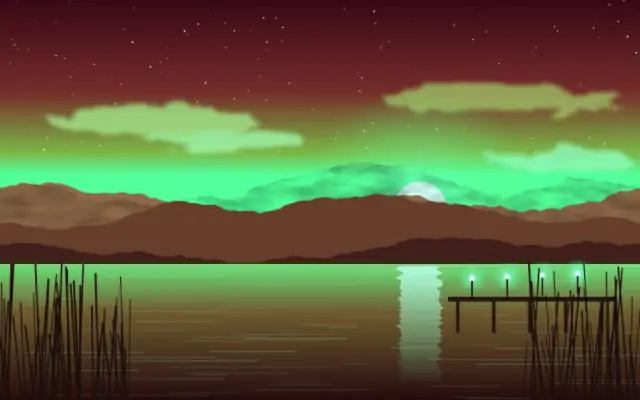
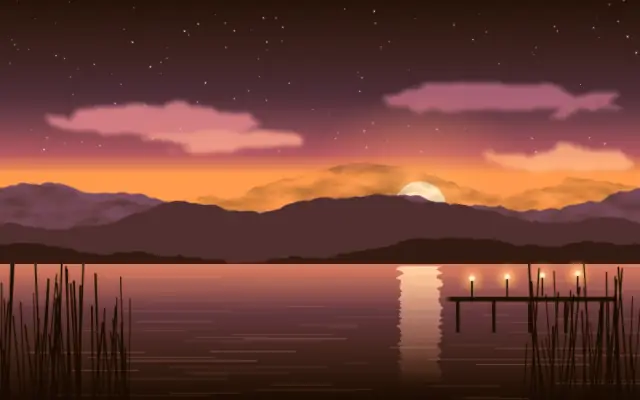
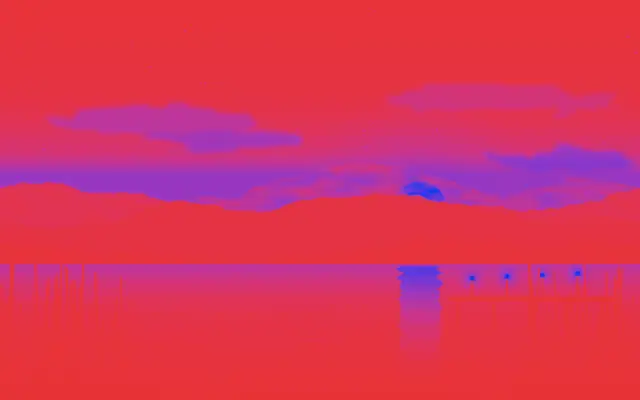
Saturation controls how vivid or muted the image colors look.
Also known as: Saturationcolor saturation
Moves in browsers that support WebGPU
This device could not render the demo — showing a still
Code reflects the control values
React
// Renders only in browsers with WebGPU.
// /samples/… are this site’s sample files — point them at your own image or video.
import { Shader, ImageTexture, Saturation } from 'shaders/react'

export default function ShaderEffect() {
  return (
    <Shader style={{ width: '100%', height: 320 }} disableTelemetry>
      <ImageTexture
        objectFit="cover"
        url="/samples/photo.jpg" />
      <Saturation
        intensity={1.9} />
    </Shader>
  )
}
Vue
<!-- Renders only in browsers with WebGPU. -->
<!-- /samples/… are this site’s sample files — point them at your own image or video. -->
<script setup lang="ts">
import { Shader, ImageTexture, Saturation } from 'shaders/vue'
</script>

<template>
  <Shader style="width: 100%; height: 320px" :disable-telemetry="true">
    <ImageTexture
      object-fit="cover"
      url="/samples/photo.jpg"/>
    <Saturation
      :intensity="1.9"/>
  </Shader>
</template>
Svelte
<!-- Renders only in browsers with WebGPU. -->
<!-- /samples/… are this site’s sample files — point them at your own image or video. -->
<script>
  import { Shader, ImageTexture, Saturation } from 'shaders/svelte'
</script>

<Shader style="width: 100%; height: 320px" disableTelemetry>
  <ImageTexture
    objectFit="cover"
    url="/samples/photo.jpg" />
  <Saturation
    intensity={1.9} />
</Shader>
Solid
// Renders only in browsers with WebGPU.
// /samples/… are this site’s sample files — point them at your own image or video.
import { Shader, ImageTexture, Saturation } from 'shaders/solid'

export default function ShaderEffect() {
  return (
    <Shader style={{ width: '100%', height: '320px' }} disableTelemetry>
      <ImageTexture
        objectFit="cover"
        url="/samples/photo.jpg" />
      <Saturation
        intensity={1.9} />
    </Shader>
  )
}
JavaScript
// Renders only in browsers with WebGPU.
// /samples/… are this site’s sample files — point them at your own image or video.
// expects <canvas id="canvas" style="width:100%;height:320px"></canvas> on the page
import { createShader } from 'shaders/js'

const shader = await createShader(document.getElementById("canvas"), {
  components: [
    {
      type: 'ImageTexture',
      props: {
        objectFit: 'cover',
        url: '/samples/photo.jpg',
      },
    },
    {
      type: 'Saturation',
      props: {
        intensity: 1.9,
      },
    }
  ]
}, { disableTelemetry: true })
Props · Saturation
Changes apply to the demo above and to the code tabs. Descriptions come from the library registry (MIT).
Name
Value
Default
Range / options
Description
intensityIntensity
1
0 – 3 (step 0.1)
The intensity of the saturation effect (1 being no change)
Every component also takes blendMode · opacity · visible · maskSource/maskType · boundingBox · id
It makes image colors more vivid or closer to gray, like adding or removing color from a drawing.
`intensity` defaults to 1 and ranges from 0 to 3; 1 leaves the image unchanged. Lower values remove color, while higher values strengthen it.
Apply it over an image or video input. Large increases can exaggerate skin tones and brand colors. Compare it with Vibrance when you want to protect natural-looking skin while lifting muted colors, and adjust exposure or contrast separately.
When to use
Use it to mute photo colors, emphasize a poster palette, or move toward monochrome. Avoid high saturation when skin tones and brand colors need to stay accurate.