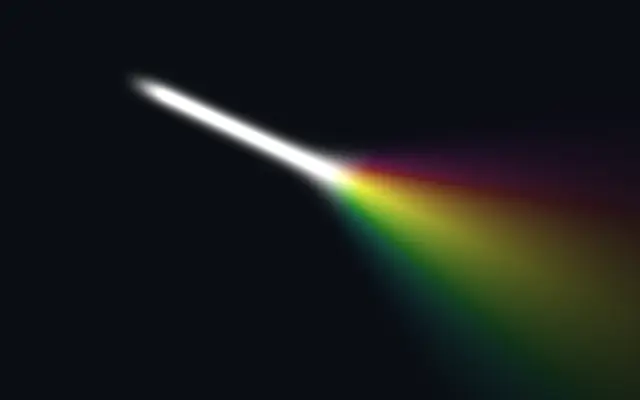
It looks like a flattened laser or stage light stretched between two points. Its defined endpoints make it useful for pointing to a place on the canvas.
Move the endpoints with `startPosition` and `endPosition`. Adjust `startThickness` and `endThickness` independently to taper the beam, and use `insideColor` for its center and `outsideColor` for its edges.
Beam draws its own layer rather than modifying an image. Place it over a dark background and tune both endpoint widths to make the destination clear. It does not track a light source inside a photo.
When to use
Use it to connect two points, add a light accent to a dark hero, or draw a short laser detail. Avoid stacking many beams in a dense diagram on a narrow screen.