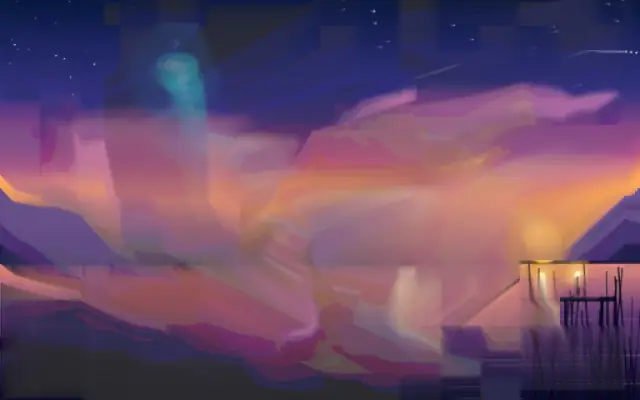
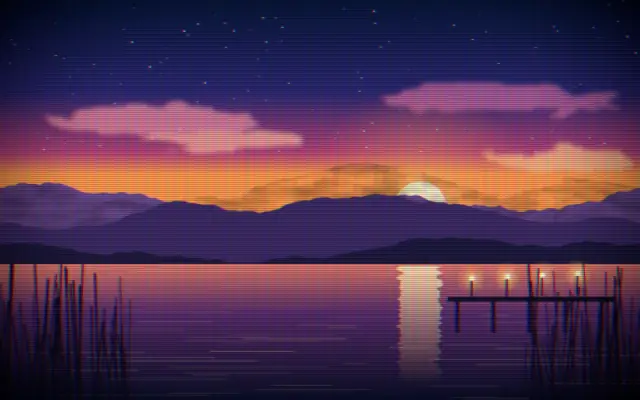
Shifts horizontal bands and color channels to create bursts of digital signal damage.
Also known as: Glitchdigital glitchsignal glitch
Moves in browsers that support WebGPU
This device could not render the demo — showing a still
Code reflects the control values
React
// Renders only in browsers with WebGPU.
// /samples/… are this site’s sample files — point them at your own image or video.
import { Shader, Glitch, ImageTexture } from 'shaders/react'

export default function ShaderEffect() {
  return (
    <Shader style={{ width: '100%', height: 320 }} disableTelemetry>
      <ImageTexture
        objectFit="cover"
        url="/samples/poster.jpg" />
      <Glitch />
    </Shader>
  )
}
Vue
<!-- Renders only in browsers with WebGPU. -->
<!-- /samples/… are this site’s sample files — point them at your own image or video. -->
<script setup lang="ts">
import { Shader, Glitch, ImageTexture } from 'shaders/vue'
</script>

<template>
  <Shader style="width: 100%; height: 320px" :disable-telemetry="true">
    <ImageTexture
      object-fit="cover"
      url="/samples/poster.jpg"/>
    <Glitch/>
  </Shader>
</template>
Svelte
<!-- Renders only in browsers with WebGPU. -->
<!-- /samples/… are this site’s sample files — point them at your own image or video. -->
<script>
  import { Shader, Glitch, ImageTexture } from 'shaders/svelte'
</script>

<Shader style="width: 100%; height: 320px" disableTelemetry>
  <ImageTexture
    objectFit="cover"
    url="/samples/poster.jpg" />
  <Glitch />
</Shader>
Solid
// Renders only in browsers with WebGPU.
// /samples/… are this site’s sample files — point them at your own image or video.
import { Shader, Glitch, ImageTexture } from 'shaders/solid'

export default function ShaderEffect() {
  return (
    <Shader style={{ width: '100%', height: '320px' }} disableTelemetry>
      <ImageTexture
        objectFit="cover"
        url="/samples/poster.jpg" />
      <Glitch />
    </Shader>
  )
}
JavaScript
// Renders only in browsers with WebGPU.
// /samples/… are this site’s sample files — point them at your own image or video.
// expects <canvas id="canvas" style="width:100%;height:320px"></canvas> on the page
import { createShader } from 'shaders/js'

const shader = await createShader(document.getElementById("canvas"), {
  components: [
    {
      type: 'ImageTexture',
      props: {
        objectFit: 'cover',
        url: '/samples/poster.jpg',
      },
    },
    {
      type: 'Glitch',
    }
  ]
}, { disableTelemetry: true })
Props · Glitch
Changes apply to the demo above and to the code tabs. Descriptions come from the library registry (MIT).
Name
Value
Default
Range / options
Description
intensityIntensity
0.5
0 – 1 (step 0.01)
Overall glitch strength and frequency of glitch bursts
speedSpeed
1
0.1 – 5 (step 0.1)
How fast the glitch pattern evolves
rgbShiftRGB Shift
5
0 – 20 (step 0.5)
Amount of chromatic aberration (RGB channel splitting)
blockDensityBlock Density
10
2 – 50 (step 1)
Base number of horizontal glitch bands
colorBarIntensityColor Bars
0.2
0 – 1 (step 0.01)
Intensity of vivid neon color bar overlay in glitch regions
mirrorAmountMirror
0.3
0 – 1 (step 0.01)
Chance of glitch blocks showing mirrored/flipped content
scanlineIntensityScanlines
0.2
0 – 1 (step 0.01)
Visibility of CRT-style horizontal scanlines in distorted areas
Every component also takes blendMode · opacity · visible · maskSource/maskType · boundingBox · id
It looks like a normal screen briefly breaks up and recovers. Misaligned color bands and flipped fragments make the signal feel unstable.
`intensity` defaults to 0.5 and ranges from 0 to 1 to set glitch strength and frequency. `speed` defaults to 1 and ranges from 0.1 to 5, while `rgbShift` defaults to 5 and ranges from 0 to 20 to change pattern motion and color separation. `blockDensity` defaults to 10 and ranges from 2 to 50, and `scanlineIntensity` defaults to 0.2 and ranges from 0 to 1 to set band density and scanline visibility.
Place an image or video layer below it. It can pair with `CRTScreen` or `VHS`, but continuous strong distortion competes for attention, so it works best in short moments such as a title or transition.
When to use
Use it for music-video titles, brief transitions, and cyberpunk-inspired posters. Avoid it for long-form text or stable product screens.