Heatmap

열화상 맵

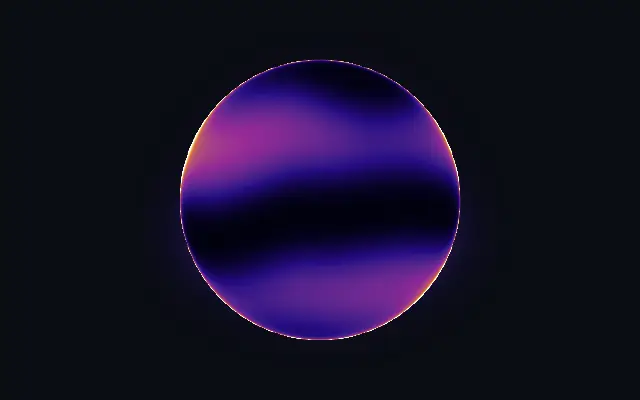
A thermal-camera look with flowing heat inside and around a shape.

Also known as: HeatmapThermal mapThermal camera effect

Moves in browsers that support WebGPU

This device could not render the demo — showing a still

React
// Renders only in browsers with WebGPU.
import { Shader, Heatmap } from 'shaders/react'

export default function ShaderEffect() {
  return (
    <Shader style={{ width: '100%', height: 320 }} disableTelemetry>
      <Heatmap />
    </Shader>
  )
}
Vue
<!-- Renders only in browsers with WebGPU. -->
<script setup lang="ts">
import { Shader, Heatmap } from 'shaders/vue'
</script>

<template>
  <Shader style="width: 100%; height: 320px" :disable-telemetry="true">
    <Heatmap/>
  </Shader>
</template>
Svelte
<!-- Renders only in browsers with WebGPU. -->
<script>
  import { Shader, Heatmap } from 'shaders/svelte'
</script>

<Shader style="width: 100%; height: 320px" disableTelemetry>
  <Heatmap />
</Shader>
Solid
// Renders only in browsers with WebGPU.
import { Shader, Heatmap } from 'shaders/solid'

export default function ShaderEffect() {
  return (
    <Shader style={{ width: '100%', height: '320px' }} disableTelemetry>
      <Heatmap />
    </Shader>
  )
}
JavaScript
// Renders only in browsers with WebGPU.
// expects <canvas id="canvas" style="width:100%;height:320px"></canvas> on the page
import { createShader } from 'shaders/js'

const shader = await createShader(document.getElementById("canvas"), {
  components: [
    {
      type: 'Heatmap',
    }
  ]
}, { disableTelemetry: true })

Props · Heatmap

Changes apply to the demo above and to the code tabs. Descriptions come from the library registry (MIT).

NameValueDefaultRange / optionsDescription
originOriginSet in codecenter—Reference edge the center position is measured from (center default). Lets you pin the shape relative to a corner or the canvas centre.
centerCenter
x0.5y0.5
{"x":0.5,"y":0.5}x, y: 0 – 1Center position of the heatmap shape
scaleScale10.1 – 3 (step 0.01)Scale of the heatmap shape (1 = default size)
rotationRotation00 – 360 (step 1)Rotation of the heatmap shape in degrees
colorAColor A#02010f—Cold color (used when no gradient stops are set)
colorBColor B#f9e25f—Hot color (used when no gradient stops are set)
stopsColorsSet in code[{"color":"#02010f","position":0},{"color":"#2a0a8a","pos…—Multi-stop gradient colors (overrides Color A / Color B when set)
colorSpaceColor Spaceoklablinear · oklch · oklab · hsl · hsv · lchColor space for the heat ramp interpolation
innerGlowInner Glow0.40 – 1 (step 0.01)Heat filling the inside of the shape
outerGlowOuter Glow0.20 – 1 (step 0.01)Heat radiating beyond the silhouette
contourContour0.50 – 1 (step 0.01)Heat concentrated along the shape boundary
angleAngle900 – 360 (step 1)Direction the heat waves travel, in degrees
speedSpeed10 – 4 (step 0.01)Speed of the flowing heat. 0 pauses.
shapeShapeSet in code{"type":"sphere3D","radius":0.35}—Serialized shape configuration (JSON)
shapeSdfUrlshapeSdfUrlSet in code—URL to a pre-generated SDF .bin file
shapeTypeshapeTypeSet in code—Active SDF shape type

Every component also takes blendMode · opacity · visible · maskSource/maskType · boundingBox · id

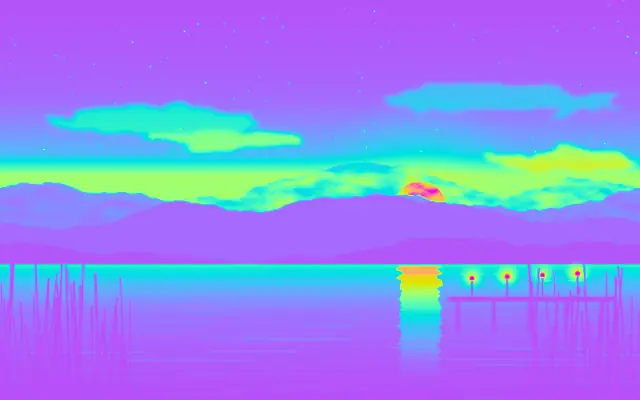
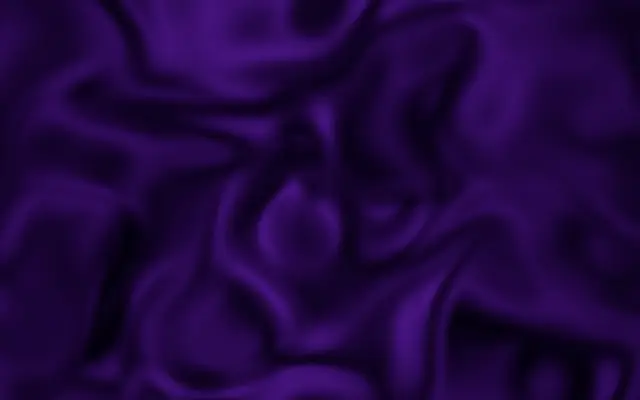
Like a thermal-camera view, the shape glows with heat inside while color spills beyond its outline.

`innerGlow` controls heat inside the shape, and `outerGlow` controls the spill beyond it. Raise `contour` to concentrate heat near the boundary; `angle` changes the direction the heat waves travel. `speed` controls their motion.

The effect creates decorative heat colors on its own shape and reads clearly against a plain backdrop. Do not use it to represent measured medical or industrial thermal data, since the look is illustrative.

When to use

Use it for temperature-themed decoration, a graphic accent for heat, or a thermal-style backdrop. Avoid it when accurate sensor readings or diagnostic data must be conveyed.

Open as page ↗